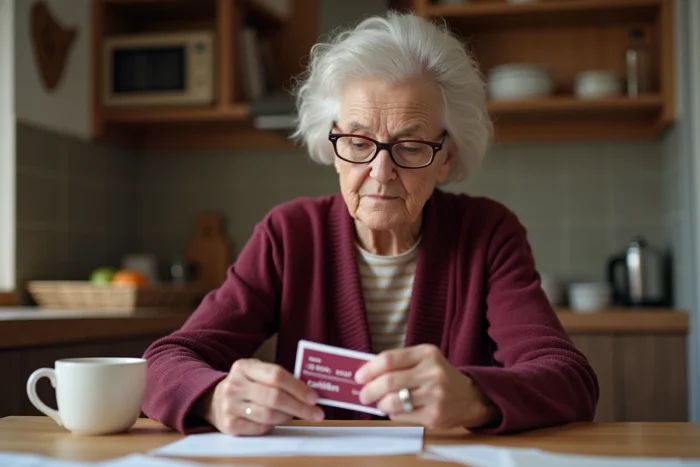
The Carmillon pass is received a few weeks before retirement, it is tucked away in a drawer, and on the day one wants to book a free trip, nothing works online. The blockage almost always comes from the same place: the digital account has never been activated.
The physical pass is not enough; it must be linked to a personal space on the dedicated SNCF retirees’ portal. Without this step, travel facilities remain inaccessible from a computer or phone.
SNCF retirees’ services portal: the first connection that blocks
The site services-aux-retraites.sncf.com is the unique entry point to manage travel facilities after leaving the company. One connects using their SNCF employee number and a personal password. The employee number is found on the Carmillon pass itself or on previous pay slips.
The initial password often causes issues. If it has never been set or if it has been forgotten, the “forgot password” function only appears after entering the employee number. After three failed attempts, the account locks for thirty minutes. Many retirees think their account is permanently blocked when it just requires waiting.
A common trap when entering: confusion between the lowercase “l” and the uppercase “I” in the password. Checking that the Caps Lock key is not activated prevents most connection failures. There have been dozens of testimonies on railway forums regarding this specific point, highlighting how knowing how to activate the SNCF retired Carmillon pass remains a concrete difficulty for new retirees.

Email address update: a mandatory step before accessing facilities
Since a recent update to the portal, an email address update is required at the next login. Specifically, even if one manages to log in with the correct employee number and password, the site redirects to an email validation form before displaying anything.
This step blocks retirees who do not have a personal email address or who used their SNCF work email. The @sncf.fr address is no longer active after retirement, and the portal logically rejects it.
The simplest solution: create an address on a free service (Gmail, Orange Mail, etc.) before attempting to log in. One then enters this new address in the form, receives a validation code, and access to the services is unlocked. Without a functional email address, the portal remains inaccessible even with correct credentials.
Activation of the Carmillon pass in Île-de-France: the case of the turnstiles
The Carmillon pass functions as a contactless transport ticket on the Transilien network and the RER. In Île-de-France, it must be activated at a ticket machine or a Navigo terminal before the first physical use. This activation links the chip of the pass to the validation network of the turnstiles.
Feedback varies on this point depending on the stations. Some retirees report being able to go directly through the turnstiles, while others had to look for a specific machine. At Lyon station, for example, turnstiles identified by a “Pass Carmillon” sticker exist, but their location is not always clearly marked.
- Locate the Île-de-France Mobilités ticket machines at the station, not the TGV terminals, to activate the pass on the regional network.
- Look for the turnstiles with the “Pass Carmillon” sticker if the standard turnstiles do not recognize the card.
- Keep in mind that the Gare du Nord – Châtelet-les-Halles section on the RER D is managed by RATP and requires a separate transport ticket (t+ ticket), as the Carmillon pass is not valid on this section.
This restriction on the RATP section of the RER D regularly surprises retirees who think they can travel freely along the entire line. It is better to prepare a few t+ tickets for these trips.

Carmillon pass for beneficiaries: a separate digital account
The travel facilities do not only concern the retiree. The spouse and dependent children (the beneficiaries) can also benefit. The nuance: each beneficiary must have their own digital account with a distinct email address.
One cannot manage a spouse’s documents from the retiree’s account. A separate access must be created for the travel documents to function correctly during checks. This point is poorly documented in official communications, and many families discover the issue during train inspections.
Change in family situation and facilities
A divorce, remarriage, or the addition of a child alters the list of beneficiaries. These changes must be declared on the online portal. The processing is not immediate: one must allow time before the new beneficiaries appear in the system and can travel with their own facilities.
What the SNCF retirees’ portal manages beyond the Carmillon pass
The services-aux-retraites.sncf.com portal is not only for activating the pass. It also provides information about pensions, news for former employees, and procedures related to SNCF social action.
- Consultation of active travel facilities and their validity dates (the pass has a validity period of ten years).
- Access to pension and payroll information for retirees.
- Declaration of changes in postal address, bank details, or family situation.
- Contact with the family agency or the retired personnel service by mail or phone.
Consolidating these procedures online avoids paper mail and calls to the agency, but assumes that the digital account is active and the email address is up to date. Everything starts from this successful first connection on the portal.
The Carmillon pass remains a practical tool for SNCF retirees, provided they have overcome the digital barrier. Preparing one’s employee number, creating a personal email address if necessary, and checking the Caps Lock key before entering the password: these three simple actions resolve the vast majority of the blockages reported on railway forums.